🦋 Filter Free Me Help
Getting Started
Filter Free Me is a one-tap randomizer that serves up search prompts designed to break you out of algorithmic bubbles. No log-ins, no tracking, just serendipity.
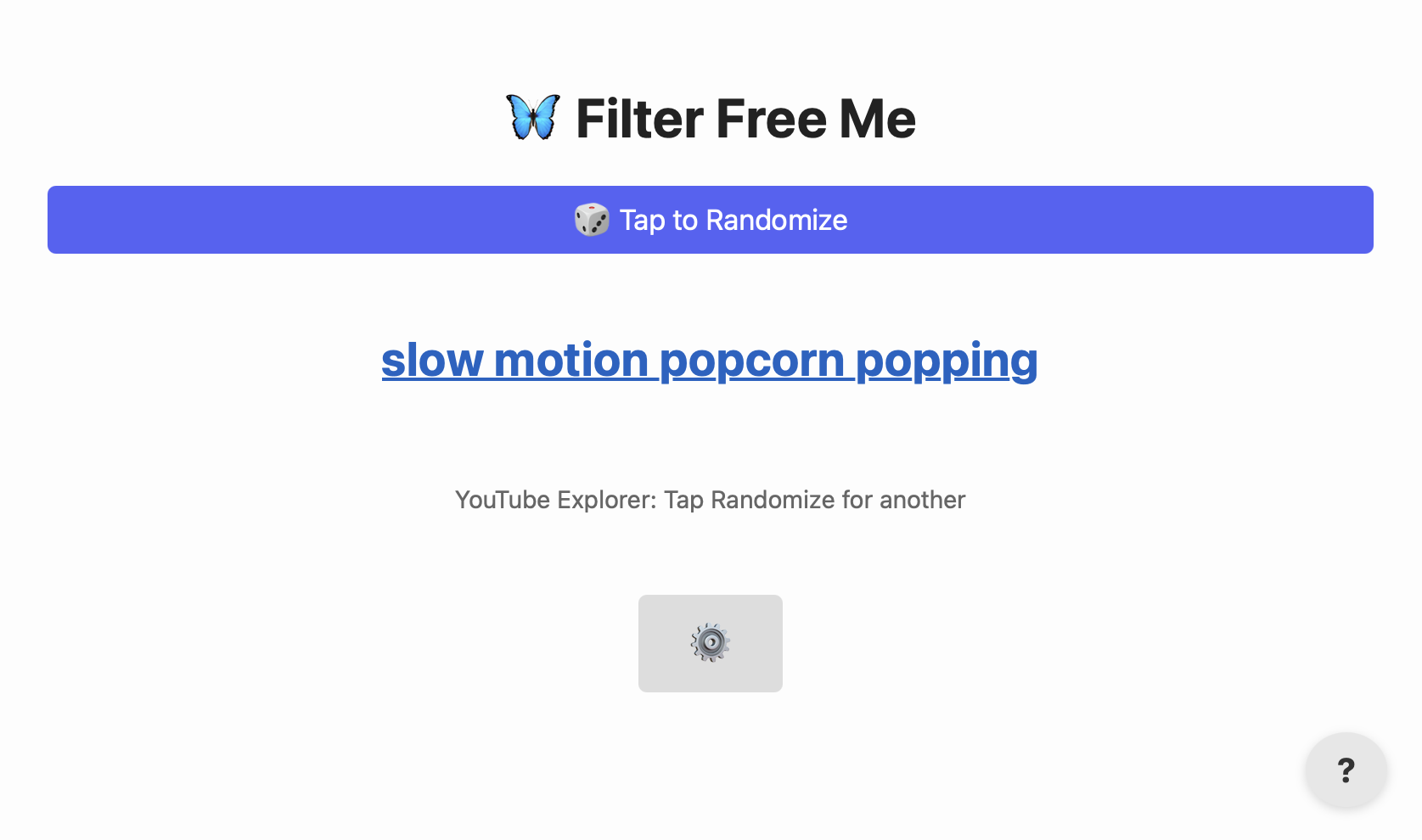
On first visit you’ll see a brief tip toast. After that the interface stays
clean: a single Randomize bar, your current topic link, a ⚙️
Settings icon, and the tiny ? for this help.
Using Randomize
Click/tap the purple bar (or press R on a hardware keyboard) to pull a fresh topic from the currently-selected pack. The topic text itself is a live link that opens in a new tab using the active search template.
- Need a new idea? Just hit Randomize again.
- If a pack defines a search template (e.g., Google News, site-specific search), the link already points there.
- On mobile you can long-press the topic and share/copy like any regular link.
Editing Packs
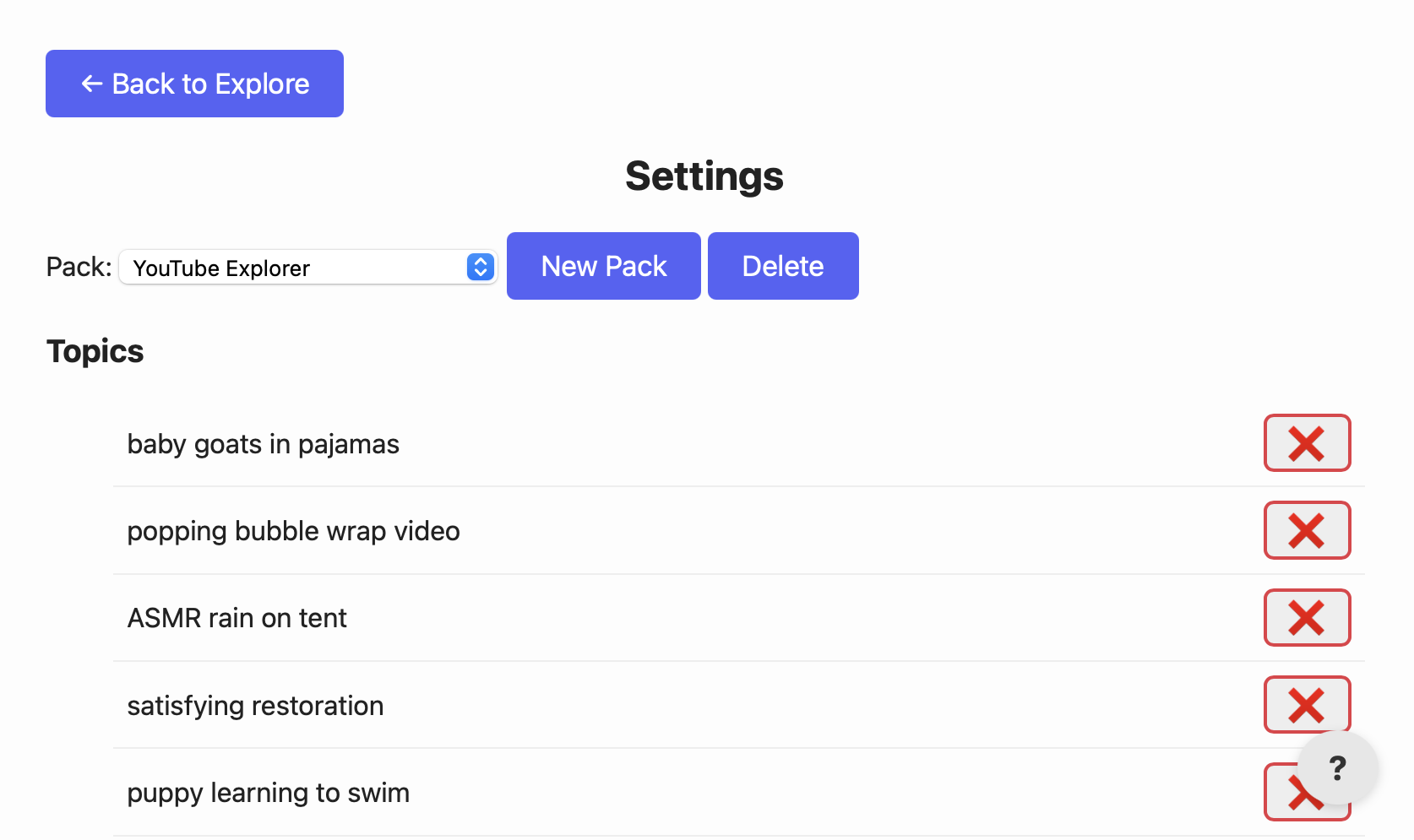
Packs are simple JSON objects that live in your browser’s localStorage. To tweak them:
- Open ⚙️ Settings.
- Select a pack from the dropdown.
- Add, remove, or reorder topics in the textarea.
- Click Save Pack. Your changes are instant and persistent.
Tip: keep each topic on its own line for best shuffling.
Import / Export
Share packs or back them up using the two file buttons at the bottom of Settings.
- Export Current Pack – downloads a single-pack JSON file.
- Export All Packs – bundles every pack into one file.
- Import Pack – uploads a single pack file (overwrites if the name matches).
- Import Multi-Pack File – appends any missing packs from a multi-pack archive.
The schema is deliberately minimal—feel free to hand-edit in any text editor.
FAQ & Tips
Can I sync across devices?
Coming soon! For now, export from one device and import on the other.
Where are packs stored?
In your browser’s localStorage under the key ffmPacks. Clearing site data resets the app.
I broke a pack. How do I reset?
Delete it in Settings, then use Import Multi-Pack to restore the default library.